Choose a creator video route and spot what blocks it from running as ads
Describe your creator project and get a route comparison, or the earliest blocker between brief, delivery, rights and ads.
Updated
- Free
- Ready in one click
- Works in a plain chat
- 1
Download skill
Click the button
- 2
Add to your assistant
A few steps below
- 3
Paste a prompt
Fill in, get your answer
From guesswork to a clear answer
You get the routes compared on your need, control, deliverables, workload and rights, with one conditional pick.
Before: You are not sure which creator collaboration route fits your project.
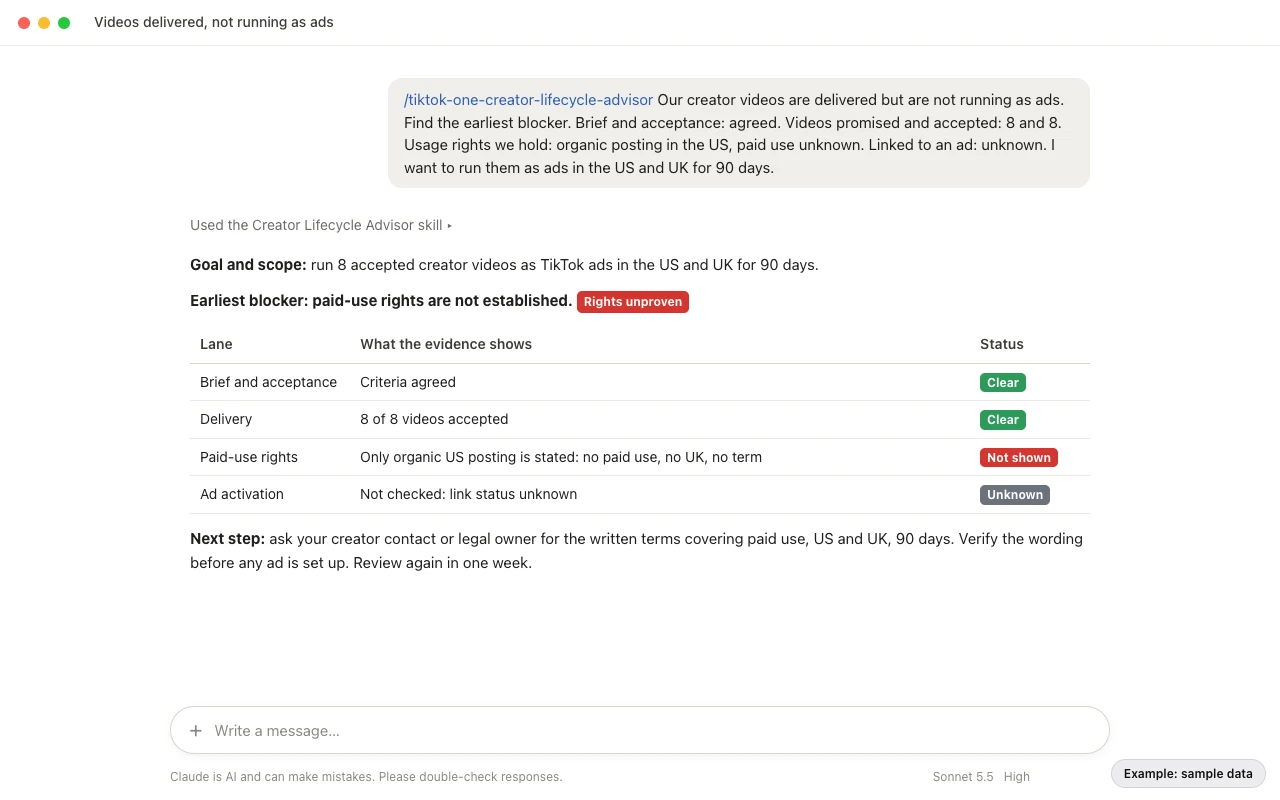
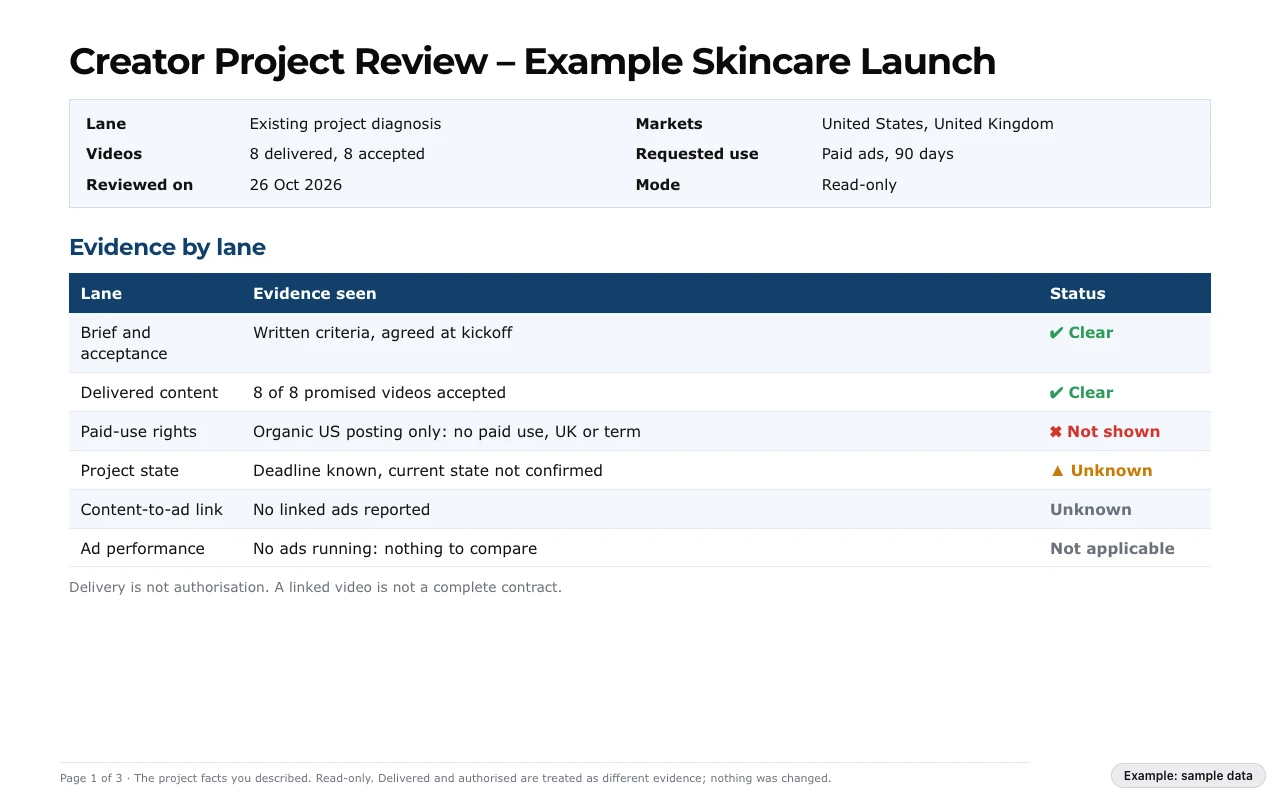
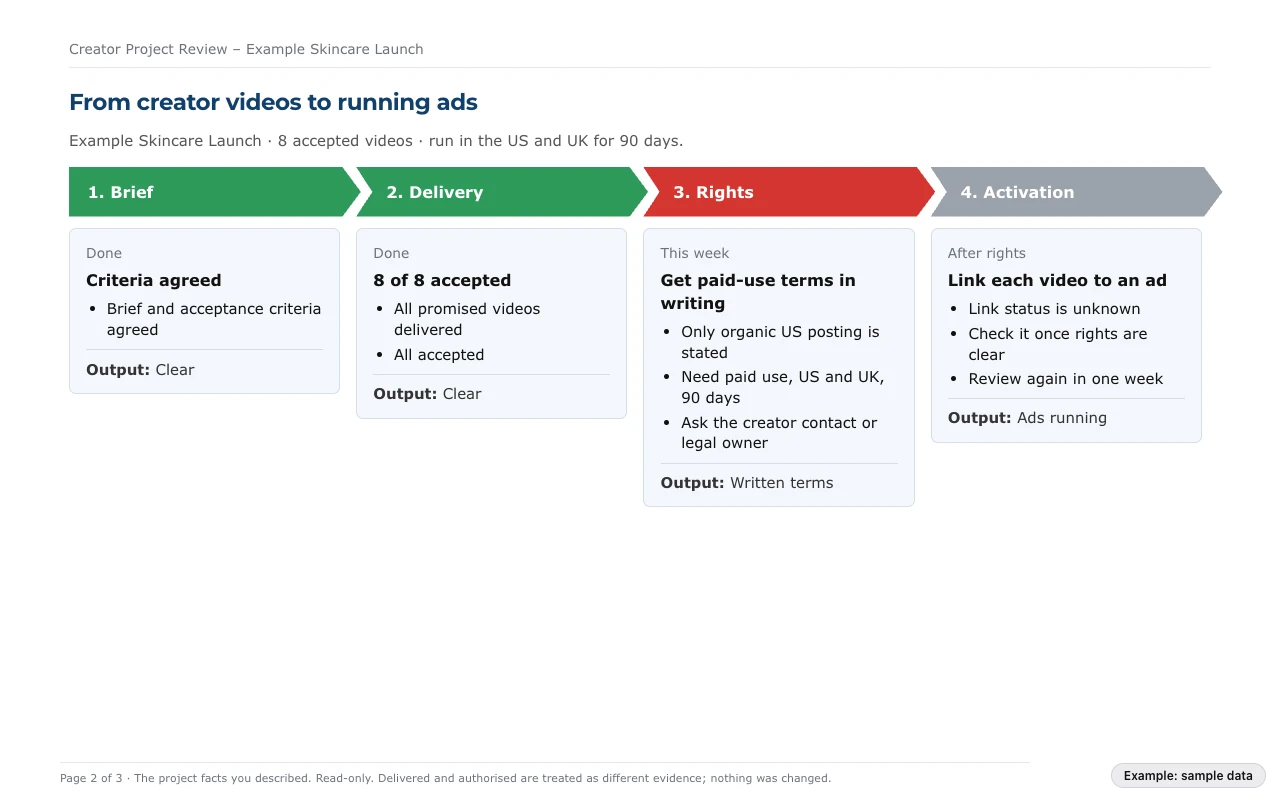
You get the earliest blocker named: unclear brief, missing delivery, unclear usage rights or no ad link.
Before: Creator videos are delivered but are not running as ads.
You get a keep, revise or stop view for each part and one next step with an owner and a check.
Before: You want to plan the next batch of creator videos.
Made for
- Brands planning a first or next round of creator videos on TikTok
- Marketers whose creator content is finished but stuck before it runs as an ad
- Teams asking whether videos they already have can be used as ads
Not made for
- People who want it to pick or contact specific creators
- Anyone who wants fees, quotas or delivery speed for each route: the skill does not supply them
- People who expect it to read or change their TikTok project or ad account
What you need
- AI assistantAn AI assistant that lets you add skills.
- Your numbersA short description of your project: your goal, the market, what you need (for example many fresh videos or one custom campaign), and any deadline. For a stuck project, also say what was promised and delivered, what usage rights you have (what use, where, until when) and whether the videos are linked to ads.
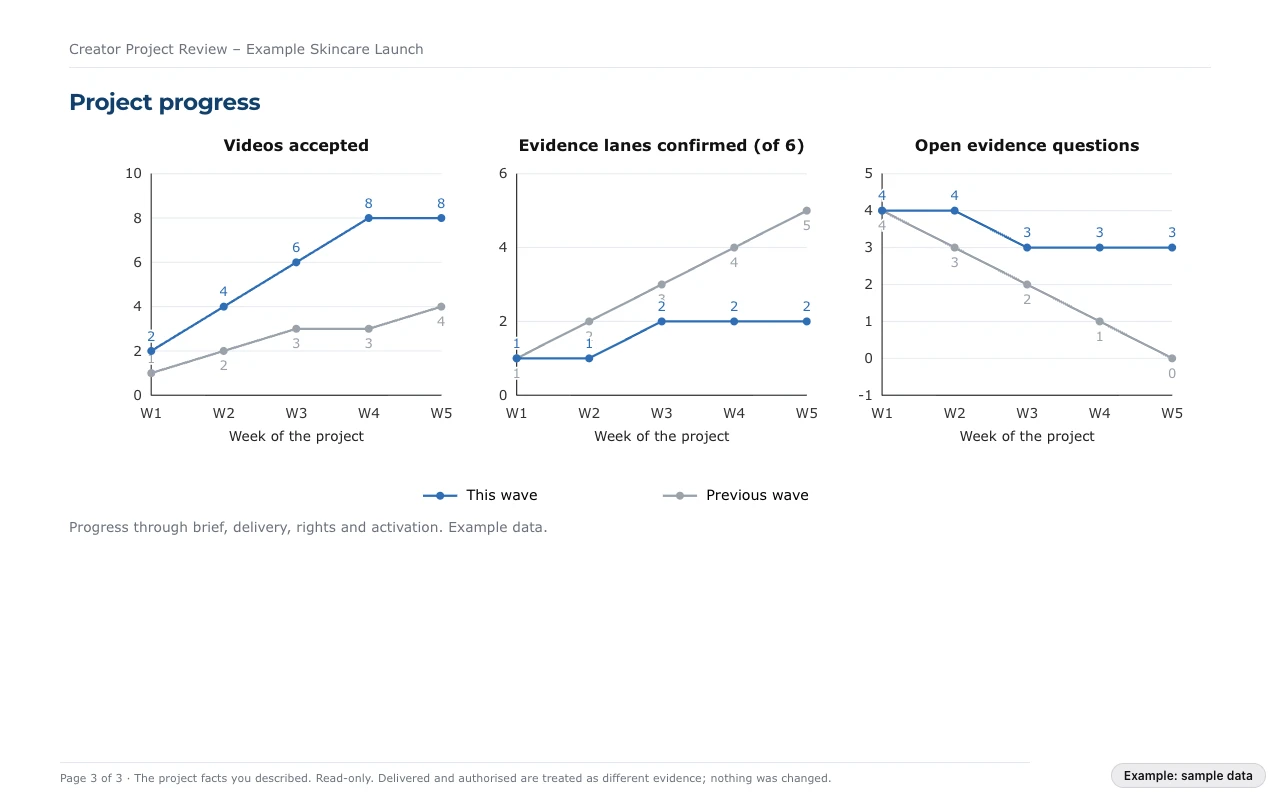
- Optional extra · optionalAd numbers for the videos (spend, impressions, clicks, conversions) over a date range you name, if you want the ad results read alongside the project. Without them it covers the project side only.
Replace the [brackets] with your own details, then paste it into your AI assistant.
Which route fits my project
Compare the creator collaboration routes on TikTok for this project.
Goal: [for example sales, awareness]
Market I advertise in: [country]
Market of the creators: [country]
What I need: [custom campaign with a few creators, many fresh videos, managed production, or reusing existing content]
How much control I want: [low, medium, high]
Deadline: [date or none]
You get: A comparison of the relevant routes on your need, control, deliverables, workload and rights, one conditional pick and one check to do first.
Videos delivered, not running as ads
Our creator videos are delivered but are not running as ads. Find the earliest blocker.
Brief and what counts as accepted: [describe]
Videos promised and videos accepted: [numbers]
Usage rights we hold: [what use, which country, start and end date, paid ads allowed yes/no/unknown]
Are the videos linked to an ad: [yes/no/unknown]
Project state and deadline as far as I know: [describe]
You get: Brief, delivery, rights and ad activation checked one by one, the earliest blocker named, and up to three action cards with owner and how to verify.
Can I use these videos as ads
Can we use videos we already have as ads?
Where the videos came from: [our own creator project, customer posts, other]
What permission we have in writing: [describe use, country, dates]
What I want to do: [run as ads on TikTok, for how long, in which country]
You get: A check of whether your stated permission covers the use you want, what is unproven, and what to confirm before running them.
Choose your AI assistant, then follow the video to add this skill to it step by step.
Ready to try Choose a creator video route and spot what blocks it from running as ads?
Source: from TikTok Agentic Hub